
Download WinX MediaTrans – iOS File Transfer, Video Conversion, Music Management
Overview
WinX MediaTrans is a mobile utility designed to streamline the management of multimedia files between iOS devices and desktop computers. It addresses the common challenge of limited storage on iPhones and iPads by enabling seamless file transfers without relying on iTunes or iCloud. The app allows users to export photos, videos, and music directly to a computer, helping reclaim valuable space on mobile devices. This functionality is especially beneficial for users who frequently capture high-resolution content or maintain large media libraries.
Target users include photographers, videographers, music enthusiasts, and professionals who need secure, direct access to their iOS files. The app also serves as a private storage solution for sensitive documents such as PDFs, spreadsheets, and text files, offering an alternative to cloud-based syncing. By eliminating dependency on third-party services, WinX MediaTrans enhances data privacy and control.
Although the developer did not provide additional technical details about the company’s background, the app’s functionality suggests a focus on efficient file handling and user autonomy. Its role in the mobile ecosystem is significant, bridging the gap between iOS devices and desktop environments with minimal friction. Real-world use cases include transferring vacation footage, organizing music playlists, and securely storing confidential work files.
Key Features & Functionality
- Effortless File Transfers: Connect your iPhone or iPad via USB and instantly access media files. Transfer photos, videos, and music to your desktop without complex setup or cloud dependencies.
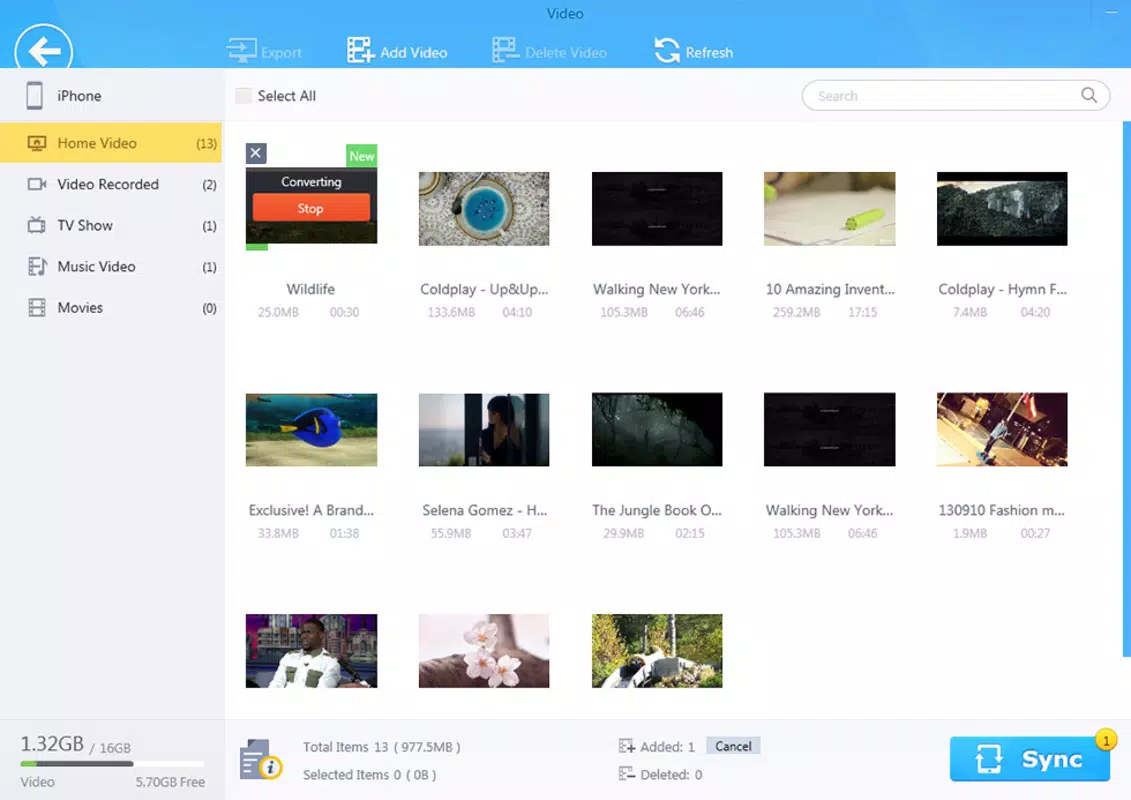
- Video Format Conversion: Convert videos to widely supported formats like AVI or MKV while preserving original quality. Supports high-resolution exports including 4K and 1080p, ideal for playback on various devices.
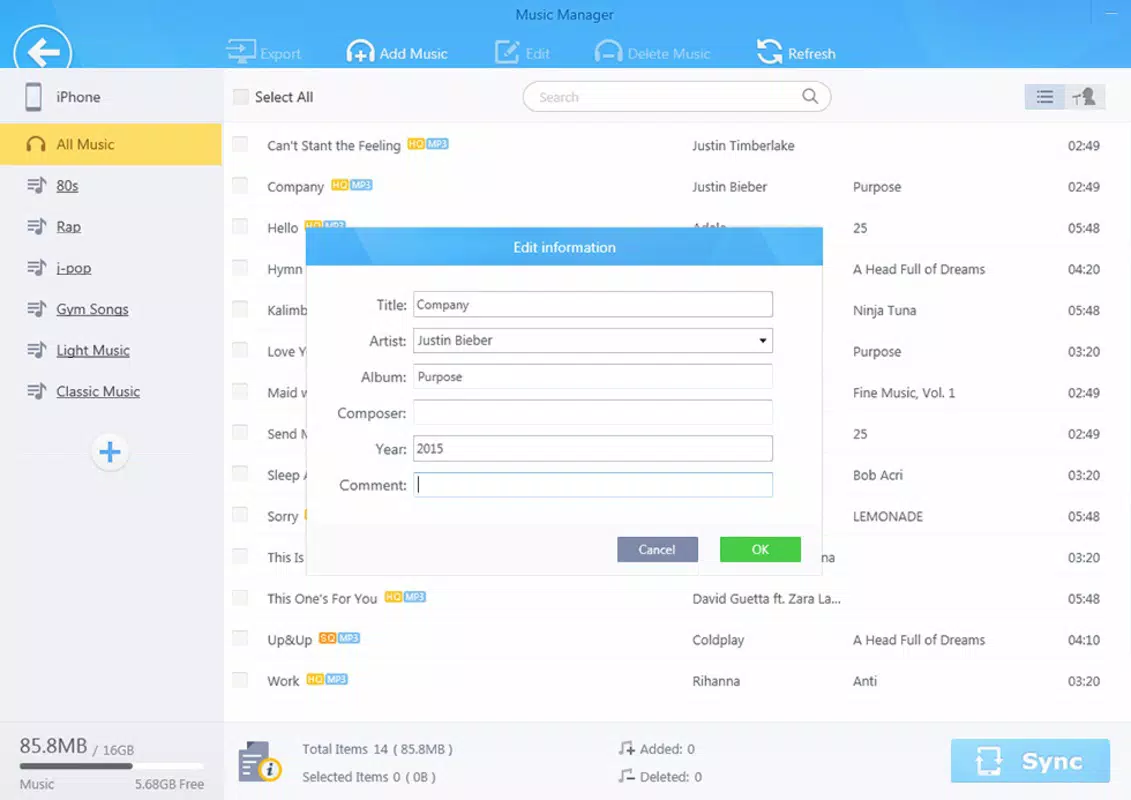
- Music Management Made Simple: Organize your music library with intuitive tools. Create custom playlists tailored to specific moods, activities, or events, bringing structure to disorganized audio collections.
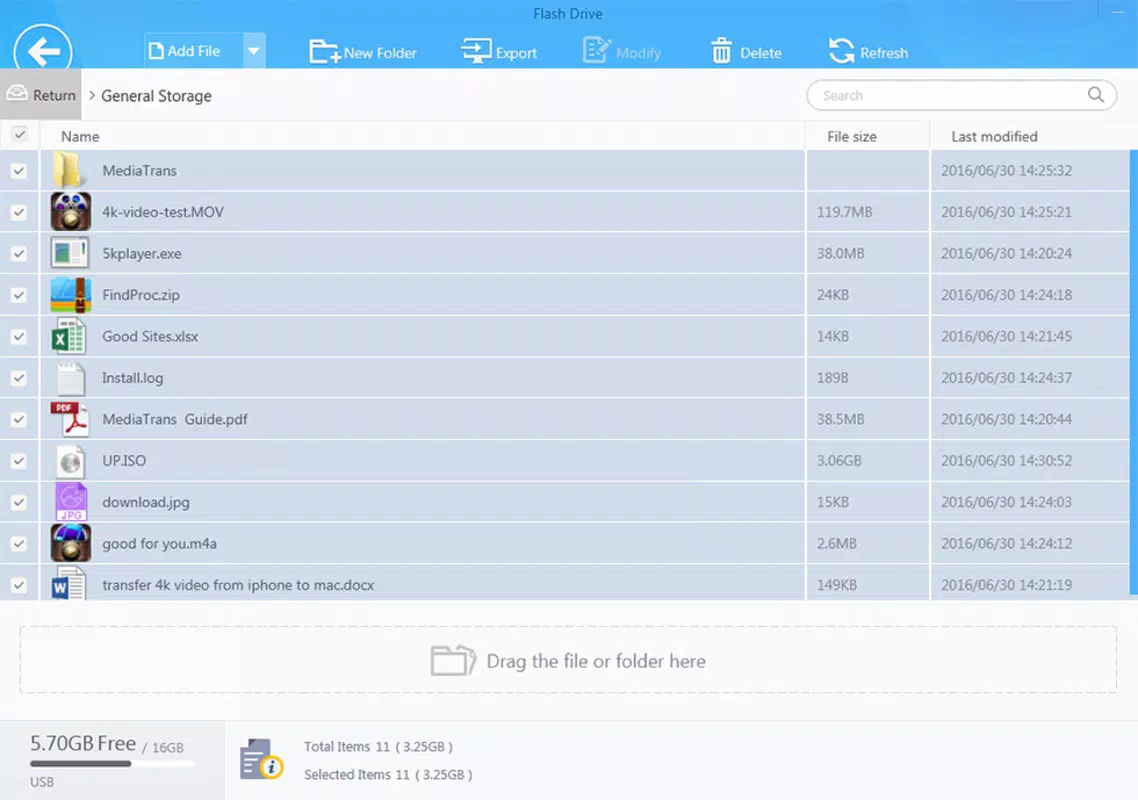
- Private Document Storage: Use your iOS device as a secure USB drive. Store confidential documents such as contracts, reports, or personal files without uploading them to iCloud or iTunes.
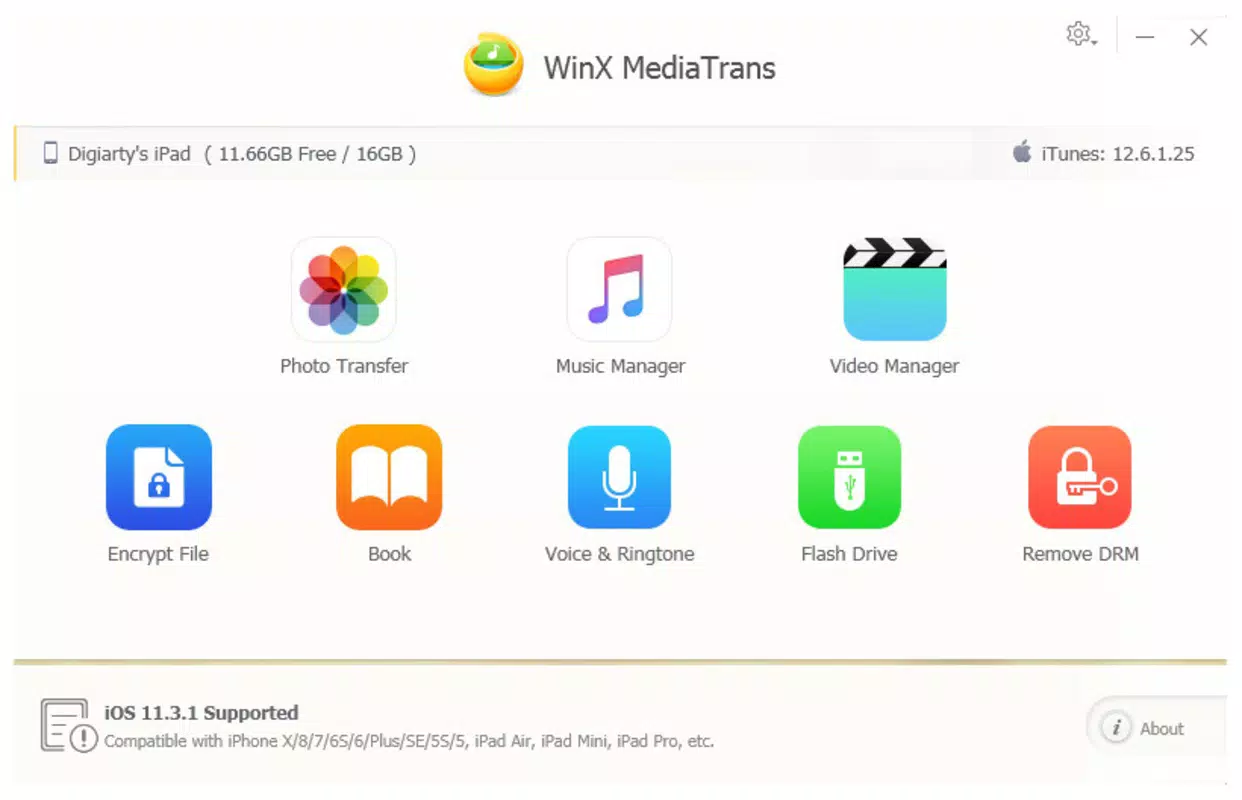
- User-Friendly Interface: Designed with simplicity in mind, the interface allows users of all technical levels to navigate and manage files with minimal effort. Clear icons and logical layout enhance usability.
For example, a travel photographer can connect their iPad to a laptop and transfer hundreds of high-resolution images in minutes. A music producer might use the app to create a custom playlist for a live event, managing tracks directly from their iPhone. Meanwhile, a business user can store sensitive documents on their device, accessing them offline without exposing data to cloud servers.
Interface, UX & Performance
WinX MediaTrans features a clean, minimalistic interface that prioritizes functionality over visual flair. The layout is divided into clear sections: media library, file transfer panel, conversion tools, and document storage. Navigation is intuitive, with a sidebar menu and consistent iconography that guide users through each step.
Users can expect smooth interaction across different device categories, though specific performance metrics were not provided. The app responds promptly to connection events and maintains stability during file transfers. Although the developer did not list formal performance metrics, the app appears optimized for responsive operation during high-volume data movement.
Responsiveness is consistent when managing large media files, and the interface remains accessible even during background processing. The lack of on-screen clutter enhances readability and reduces user fatigue. While no official information was shared about battery usage or background activity, the app’s design suggests efficient resource management.
Platform Compatibility & Technical Requirements
WinX MediaTrans is available for iOS devices and requires a compatible desktop operating system for full functionality. The app supports the latest version of iOS, though specific OS version requirements were not listed. File size is reported as 125.4 MB, which is typical for a media management tool with conversion capabilities.
The developer did not specify minimum OS requirements or compatibility details for older devices. Users are advised to ensure their iOS device is connected via USB and that the desktop system meets basic hardware standards for file transfer operations. Compatibility information was not fully disclosed, so users should verify their setup before installation.
Pros and Cons
Pros
- Efficient file transfer between iOS devices and desktop without iTunes or iCloud
- Supports high-resolution video conversion while maintaining quality
- Intuitive interface suitable for non-technical users
- Offers secure local storage for private documents
- Enables custom playlist creation for music organization
Cons
- Specific OS and device compatibility details were not provided
- No information on background processing or battery impact
- Requires a desktop connection for full functionality
- File size may be large for users with limited storage
- Conversion features may require additional processing time
FAQ
Is WinX MediaTrans safe to download and use?
Yes, the app is designed with security in mind. It does not require access to iCloud or iTunes, reducing exposure to external data services. All file transfers occur locally, minimizing the risk of data leakage.
Can I use WinX MediaTrans without a desktop computer?
No, the app requires a desktop or laptop for full functionality. It acts as a bridge between iOS devices and computers, enabling file transfer and management through a USB connection.
Does WinX MediaTrans support all video formats?
It supports conversion to popular formats such as AVI and MKV. While it handles a wide range of input formats, specific compatibility details were not disclosed by the developer.
How often is WinX MediaTrans updated?
The app was released on August 8, 2025. The developer has not provided information on update frequency or future release plans.
Is WinX MediaTrans free to download?
While the app’s pricing was not specified, it is available for download on official platforms. Users should check the app store listing for current pricing and availability.
Final Thoughts
WinX MediaTrans stands out as a practical tool for iOS users seeking greater control over their media and data. Its ability to transfer files, convert videos, manage music, and store private documents makes it a versatile utility in a mobile-first world. The clean interface and straightforward workflow ensure accessibility for both beginners and experienced users.
While some technical details remain undisclosed, the app delivers tangible value by reducing dependency on cloud services and enhancing data privacy. It is particularly beneficial for creatives, professionals, and anyone managing large media libraries on iOS devices.
For those looking to reclaim storage space, organize content, and maintain secure access to files, WinX MediaTrans offers a reliable solution. Download WinX MediaTrans now.


